I'm starting to learn how to use nix-shell in order for me to have reproductibles envs for dev and devops operations.
I'm trying to have a shell.nix file with pinned packages version (kustomize v3.6.1, git X.Y.Z etc.), but I can't make it work. Basically, what I would like is being able to pin tools versions instead of nixpkgs version.
I followed niv Getting Started instructions on their repo to:
- Create a new project using
niv init-> this worked well - Add a new package using
niv add stedolan/jq-> this seemed to work well too, as thesources.jsongot updated.
Then I edited my shell.nix as follows:
let
  sources = import ./nix/sources.nix;
  pkgs = import sources.nixpkgs { };
  jq = import sources.jq { };
in

pkgs.mkShell {
    buildInputs = [
        pkgs.vim
        pkgs.niv
        jq
    ];
}
But everytime I try to run nix-shell, I have the following error message:
error: opening file '/nix/store/lz1m9sv79l0d0lkjm2acnxyx1avnzahk-jq-src/default.nix': No such file or directory
(use '--show-trace' to show detailed location information)
I tried digging into the docs of both Nix and Niv, reading blog posts etc. but to be honest I'm feeling like I'm learning how to draw an owl.
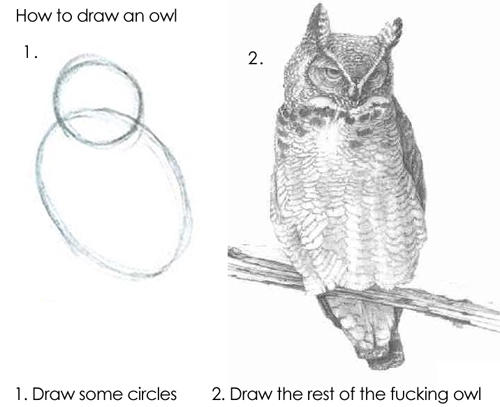
Any idea how I can solve this? Thanks a lot!
Some more infos:
$ nix-shell --version
nix-shell (Nix) 2.13.3
$ niv --version
0.2.22
$ cat /etc/os-release
PRETTY_NAME="Debian GNU/Linux 11 (bullseye)"
NAME="Debian GNU/Linux"
VERSION_ID="11"
VERSION="11 (bullseye)"