how can I make this cover look like a real book?

91 Views Asked by At

I liked this book design in iBooks and have been wondering can it be easily made with flutter?

What i want :

original
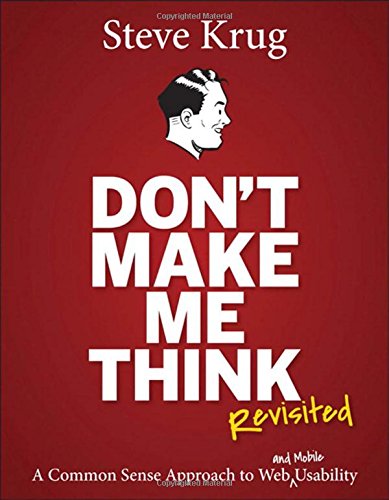
i try this :

Container(
  width: 150,
  height: 200,
  decoration: BoxDecoration(
    
    border: Border(
      right: BorderSide(
        color: Colors.grey,
        width: 5,
      ),
    ),
    
    boxShadow: [
      BoxShadow(
        color: Colors.black.withOpacity(0.3),
        spreadRadius: 2,
        blurRadius: 4,
        offset: Offset(2, 2),
      ),
    ],
  ),
  child: Stack(
    children: [
      // The book cover image
      Image.network(
        audiobook.artwork,
        fit: BoxFit.contain,
      ),
      
    ],
  ),
),
1

There are 1 best solutions below

0
Ram Gupta On

You can use container and nested rows & column widgets, to create this layout,

here is a sample code

Container(
        child: Column(
          children: [
            Padding(
              padding:  const EdgeInsets.fromLTRB(10,20,10,0),
              child: Image.network("https://images-na.ssl-images-amazon.com/images/I/51pnouuPO5L.jpg"),
            ),
             const Row(
              mainAxisAlignment: MainAxisAlignment.spaceBetween,
              children: [
                
                Padding(
                  padding:  EdgeInsets.only( left: 20),
                  child: Text("Left widget"),
                ),
                Padding(
                  padding:  EdgeInsets.only(right: 20
                  ),
                  child: Text("right widget"),
                )
              ],
            ),
            const SizedBox(height: 40),
            const Divider(),
            const Row(
              mainAxisAlignment: MainAxisAlignment.spaceBetween,
              children: [
                
                Padding(
                  padding:  EdgeInsets.only( left: 20),
                  child: Text("Left widget"),
                ),
                Padding(
                  padding:  EdgeInsets.only(right: 20
                  ),
                  child: Text("right widget"),
                )
              ],
            ),

          ],
        ),
      ),

output :enter image description here