I'm trying to make a chess board that utilizes links so the user can click on it. However, I can't seem to generate the initial chess board correctly.
This is my code:
App.jsx
import React from 'react';
import './App.css';

function Square({ value }) {
  return (
    <div className={`square ${parseInt(value[1]) % 2 === 0 ? 'dark' : 'light'}`}>
      <a href="#">{value}</a>
    </div>
  );
}

function App() {
  const letters = ['a', 'b', 'c', 'd', 'e', 'f', 'g', 'h'];
  const numbers = [8, 7, 6, 5, 4, 3, 2, 1];

  return (
    <div className="board">
      {numbers.map((number, rowIndex) => (
        letters.map((letter, colIndex) => (
          <Square key={`${letter}${number}`} value={`${letter}${number}`} />
        ))
      ))}
    </div>
  );
}

export default App;
App.css
body {
  font-family: Arial, sans-serif;
  margin: 0;
  padding: 0;
}

.board {
  display: grid;
  grid-template-columns: repeat(8, 50px);
  grid-template-rows: repeat(8, 50px);
  justify-content: center;
}

.square {
  width: 50px;
  height: 50px;
  line-height: 50px;
  text-align: center;
}

.square a {
  display: block;
  width: 100%;
  height: 100%;
  text-decoration: none;
  color: inherit;
}

.dark {
  background-color: #769656;
}

.light {
  background-color: #eeeed2;
}

.board:nth-child(odd) .square:nth-child(even),
.board:nth-child(even) .square:nth-child(odd) {
  background-color: #eeeed2;
}

.board:nth-child(odd) .square:nth-child(even),
.board:nth-child(even) .square:nth-child(odd) {
  background-color: #769656;
}
I'm trying to use the Square function to generate a chessboard, something like this: 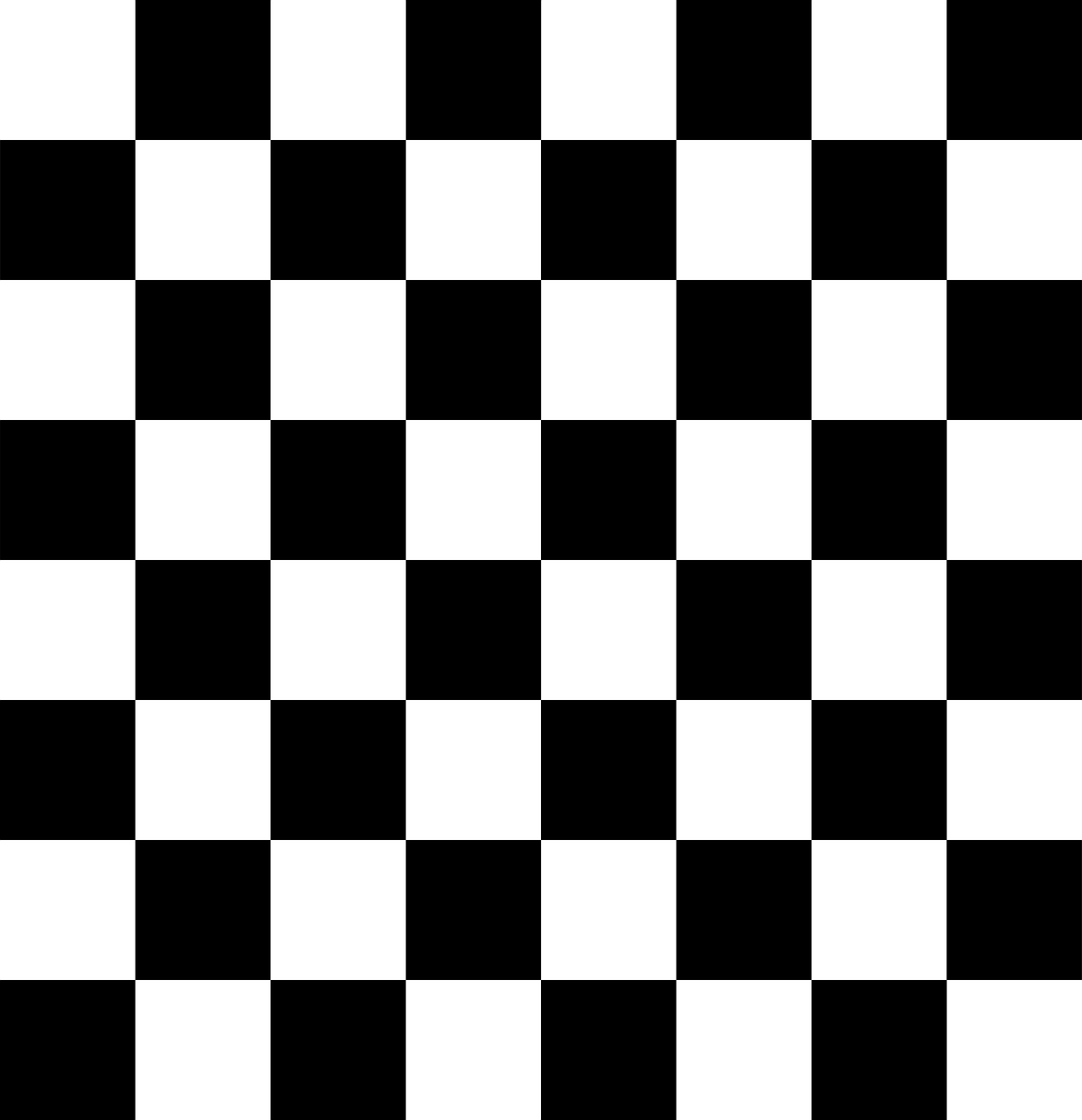 .
.
However, I am getting this:

Is there any reason why, and if so, how do I fix this?