My picture will be blurred in a small size (153x153) UIImageView, but it will be displayed normally in another large size UIImageView (375x375) page, and i load the image using sd_setImageWithURL method. I can also see this when I zoom it in Chrome, this phenomenon can be seen in pictures of clothes with stripes.
origin image url: https://images.ypcang.com/2023/07/10/515264AB9DAE6B765.jpg, https://images.ypcang.com/2023/07/10/916464AB9D91234ED.jpg
How to make it display normally in small size UIImageView


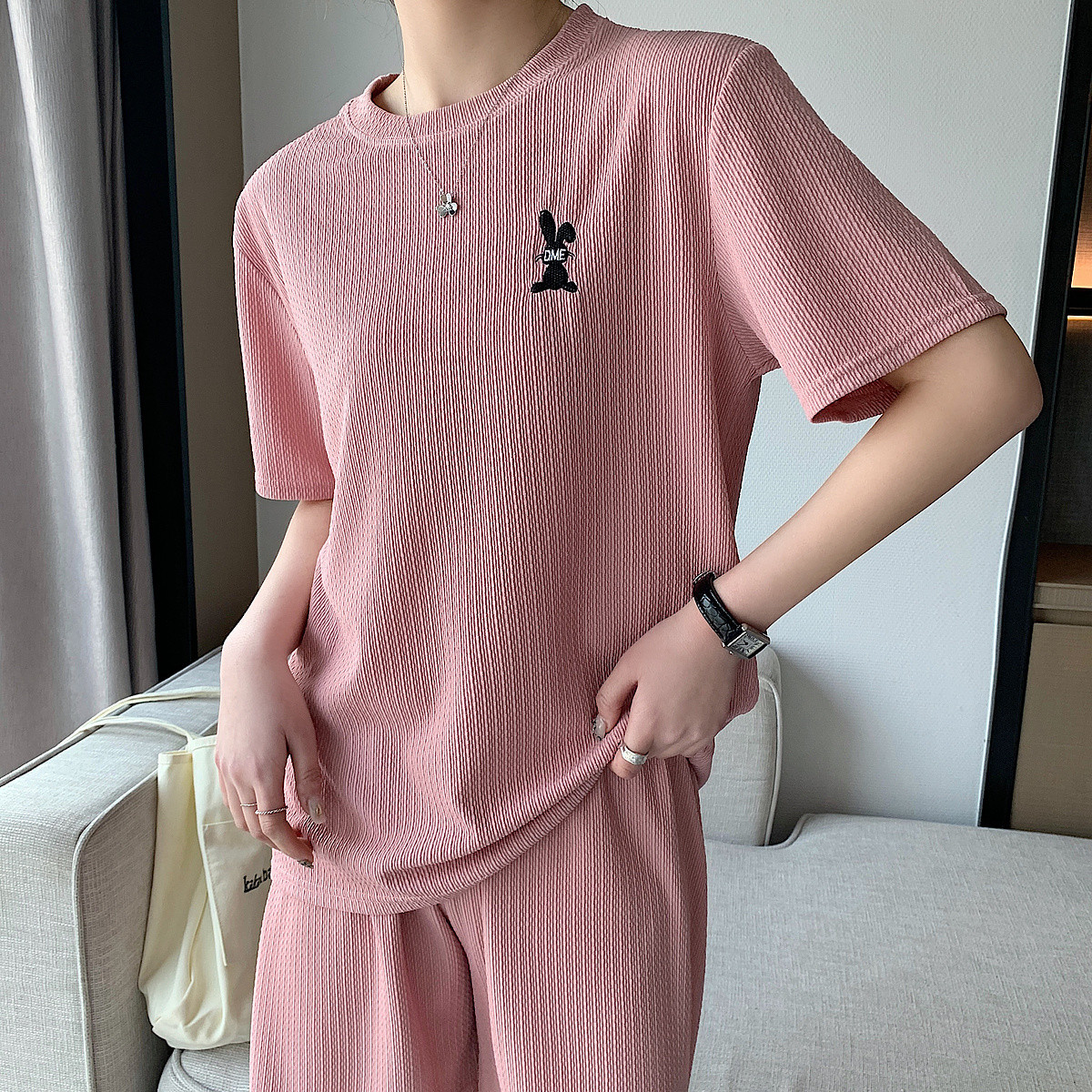
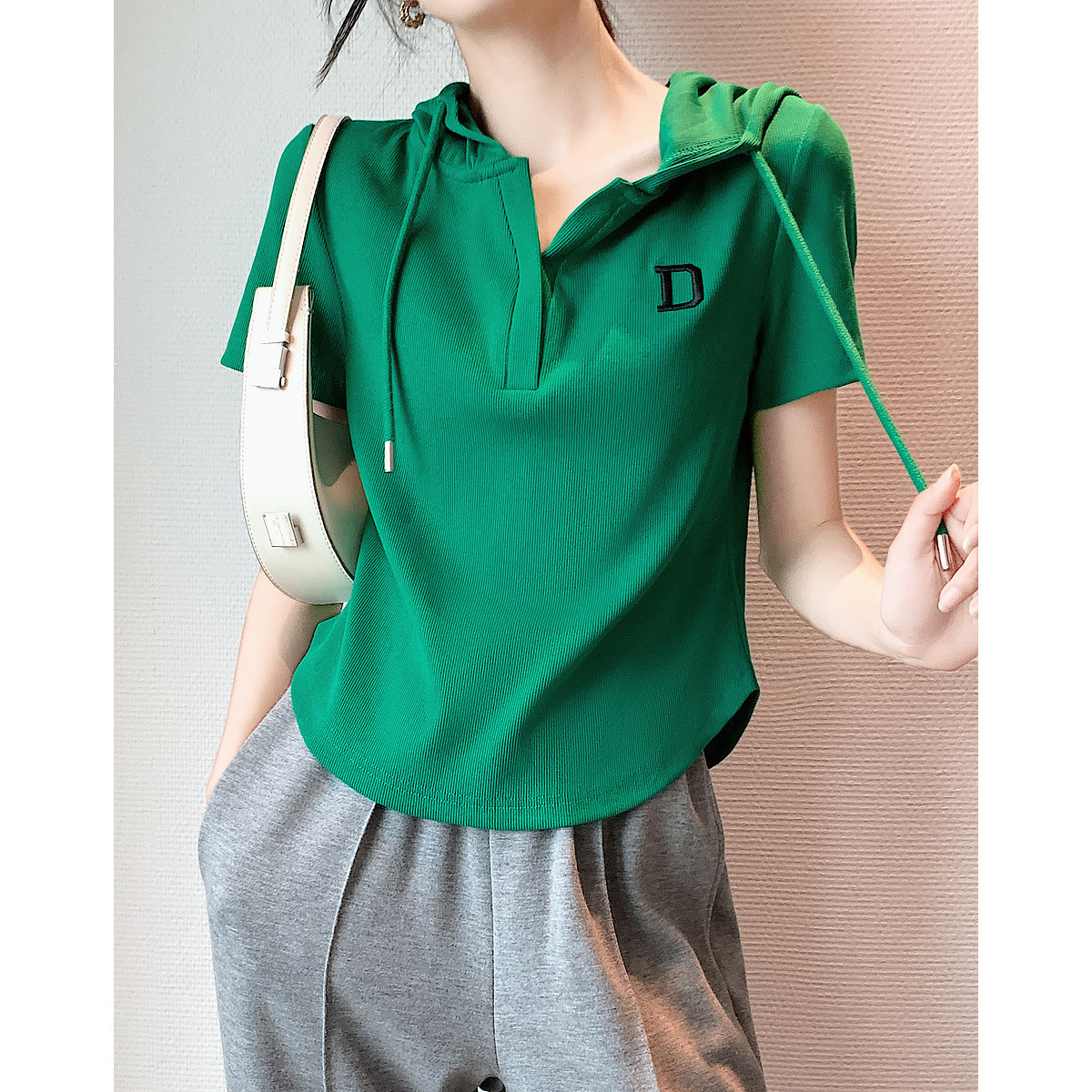
This is called a "Moiré pattern" or "Moiré effect" - you can read about it here: https://en.wikipedia.org/wiki/Moiré_pattern ...
There are various things you can do to try to reduce the effect, but one easy setting may give you satisfactory results.
By default, a
UIImageViewuses "fast scaling" to get the best performance. We can change the.minificationFilteron the image view's layer like this:Using your original
1200x1200image in a153x153image view (which, on a@3xdevice results in a459x459pixel size), here's the difference:Sample code to produce that (I downloaded your image and added it to assets as "sampleImage"):